Educational scope. This article supports professional learning and case discussion. It is not patient-specific advice, a clinical protocol or a substitute for supervised training.
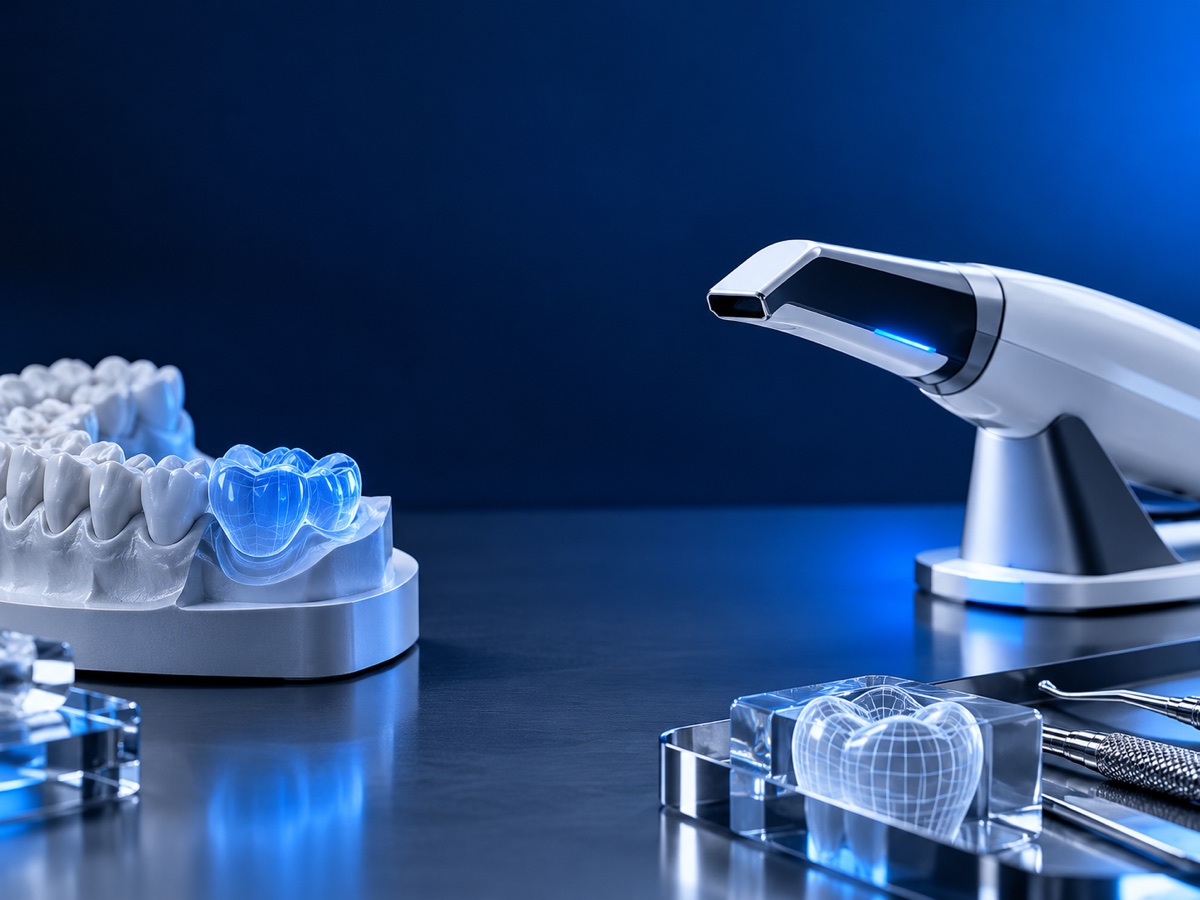
CAD/CAM compresses many laboratory and clinical decisions into a digital chain. Understanding the handoffs helps clinicians communicate better, review designs more intelligently and diagnose where a problem entered the workflow.
CLINICAL TAKEAWAY
What matters most
- Set up the correct indication.
- Review the proposal critically.
- Design for the production method.
EVIDENCE LENS
DentalCAD documentation demonstrates wide design scope; each module still operates inside a clinician- and technician-controlled workflow.
CAD begins with a case definition
The software needs the restoration type, anatomy, margin and relational records to propose a design. Incorrect setup can produce a technically polished answer to the wrong question.
The proposal is a starting point
Automatic anatomy still requires review of contour, contacts, occlusion, emergence and material space. Approval is a clinical and technical decision, not a software event.
CAM changes the design constraints
Milling tools, printing orientation, support strategy, material and post-processing affect what can be manufactured. The design should respect the selected production route.
Delivery reveals the full system
Chairside adjustments may reflect capture, design, manufacturing or clinical factors. Record them so the team can identify the cause and improve the workflow.
Use delivery adjustments as diagnostic evidence
If proximal contacts, occlusion, margins or esthetics require modification, record the location and magnitude of the change. Compare it with the scan, design and manufactured part instead of treating chairside adjustment as an expected but undocumented final step.
Patterns across cases can reveal where calibration is needed. Repeated high occlusion may point toward bite acquisition or articulation setup; repeated contact changes may implicate capture, design parameters or production. The feedback loop is what turns digital equipment into a maturing workflow.
Turn the topic into a structured team review
Choose one de-identified case that raises the question of dental CAD CAM workflow. Review it in stages rather than jumping to the final image: define the patient-centered objective, list the available records, identify who made each decision and mark every assumption or missing item. Then compare the sequence with the cited evidence and the applicable manufacturer or professional guidance. The objective is to understand why this pathway was selected, not to reproduce a technique from an article.
Repeat the review after delivery or follow-up and ask what the team would change. Use these checkpoints: Set up the correct indication. Review the proposal critically. Design for the production method. Learn from delivery adjustments. Record disagreements between the clinical, technical and maintenance perspectives instead of forcing an immediate consensus. A short, documented calibration exercise makes the article useful to the whole team and creates questions that can be taken into formal education, mentoring or supervised practice.
TAKE INTO YOUR NEXT CASE DISCUSSION
Three points to keep in view
- Set up the correct indication.
- Review the proposal critically.
- Design for the production method.
- Learn from delivery adjustments.
Evidence & references
DentalCAD documentation demonstrates wide design scope; each module still operates inside a clinician- and technician-controlled workflow.
- DentalCAD: features and add-on modules exocad · Manufacturer documentation
References support the evidence discussion, not an endorsement of DentalEDX. Practical study prompts are editorial suggestions. No patient outcomes or professional accreditation are promised.
A common question
Does CAD software design the restoration independently?
It can generate proposals, but trained users must define the case, review the design and verify the clinical result.
CONTINUE LEARNING
Explore this topic in more depth.
Review the curriculum and prerequisites to choose teaching that fits your experience.